

Sending & live links
What recipients see
The live link, confirming, calendars, dietary needs, and downloads.
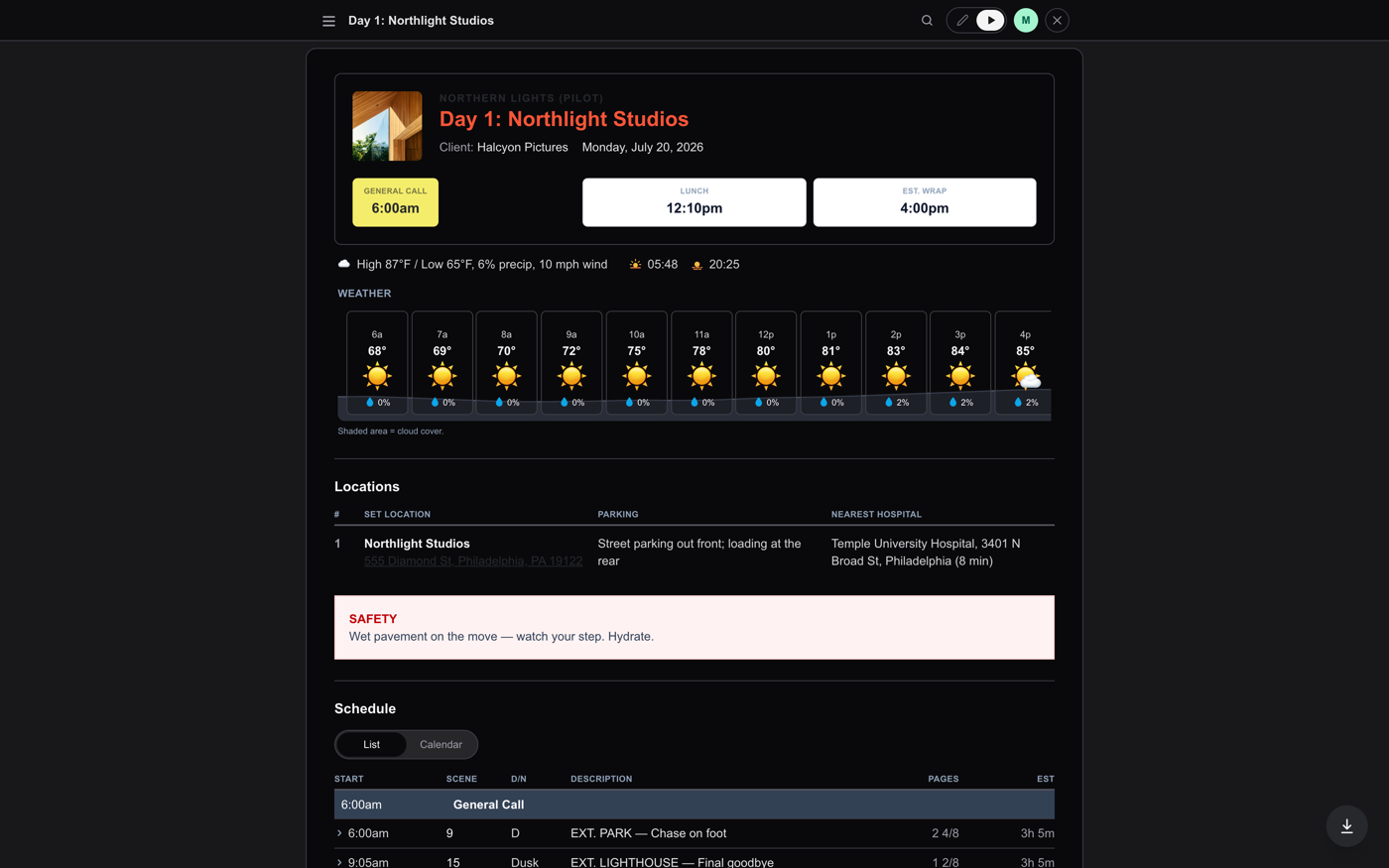
A recipient's link opens a clean, personal call sheet. No login, no app required. At the top: the day, the production, and a yellow box with their own call time (when it differs from General Call, both show, theirs first). A checklist walks them through the useful actions.
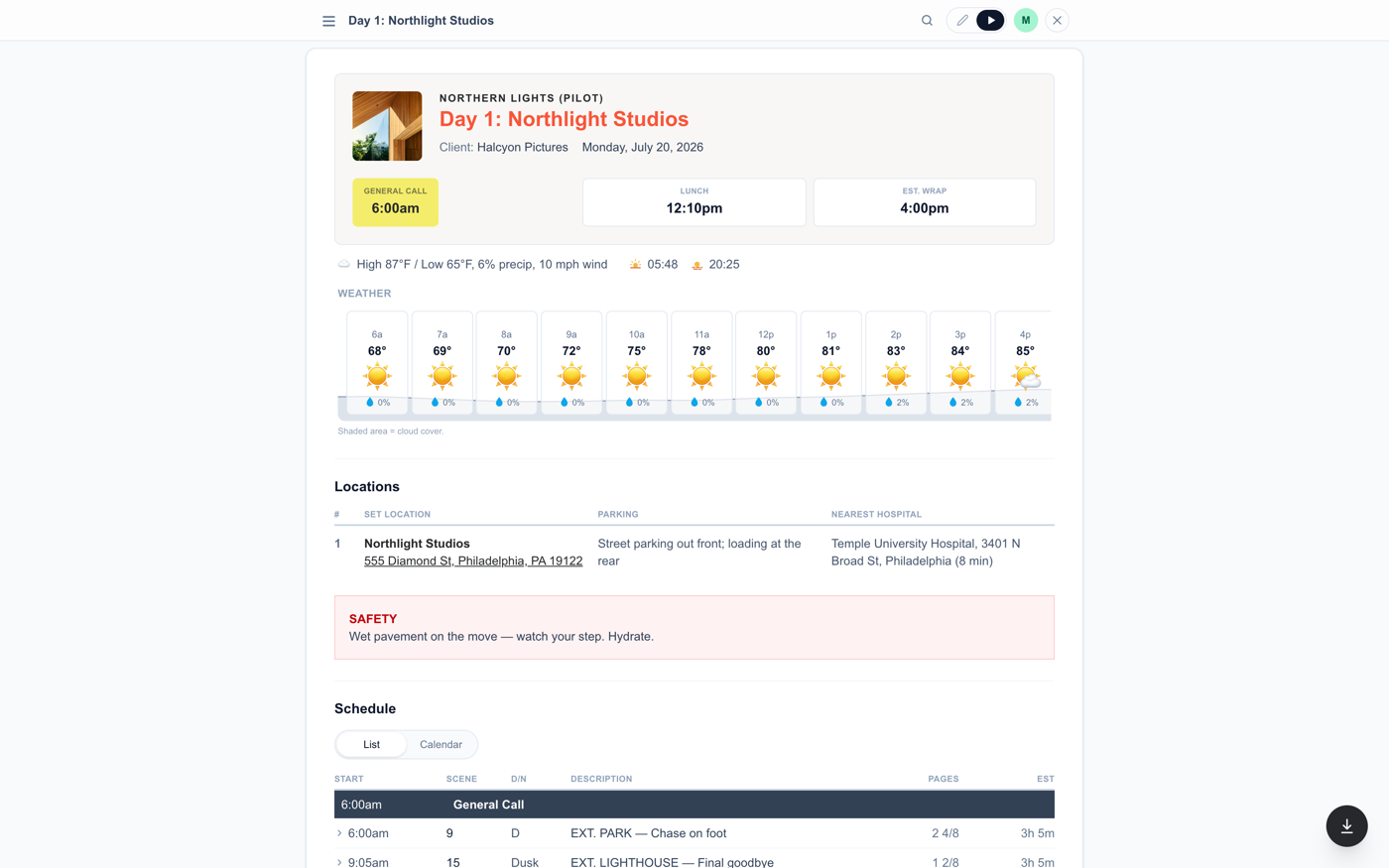
- Confirm: one tap tells you they have seen their time. If their call time changes later, they are asked to re-confirm.
- Add to calendar: Google, Outlook, or a downloadable invite, pre-filled with their call time and the address.
- Save contacts: key people from the sheet straight into their phone book.
- Dietary needs: allergy and preference chips that flow back to you in the builder's dietary list.
- Download PDF: their view of the sheet, including only attachments they are allowed to see.
- 24-hour times: the avatar menu has a Times row that flips the whole sheet to a 24-hour clock, just for that viewer. It never changes what anyone else sees.
- My Day view: on sheets with targeted strips, the schedule gains a My Day option - your items as full cards, parallel work as a slim tappable rail beside them, shared moments like lunch spanning both.
- Report-to and weather: when a person has a Reports to location (set in their editor in the builder), it shows under their call time, and their weather strip is for that location - not the main set - whenever it matches one of the day's locations.
The schedule and files, filtered
Recipients see the schedule with a Just Mine filter when strips are targeted, expandable scene rows, and the day's attachments split into Production Assets (public) and their own department's files. Department heads can post files for their department right from the link when allowed.
Always current
The link never goes stale: every time they open it, it shows the latest saved sheet. After a re-send the What Changed card summarizes what moved since they last looked. A link with Producer access opens the full builder instead (its live view resolves the personal row by account email). Every recipient link is tied to one person by its private token, so nobody ever sees anyone else's personal view.
Something here out of date or missing? Tell us: support@getallsheets.com