

The builder
Around the builder
Days, the summary bar, autosave, undo, and the AI assistant.
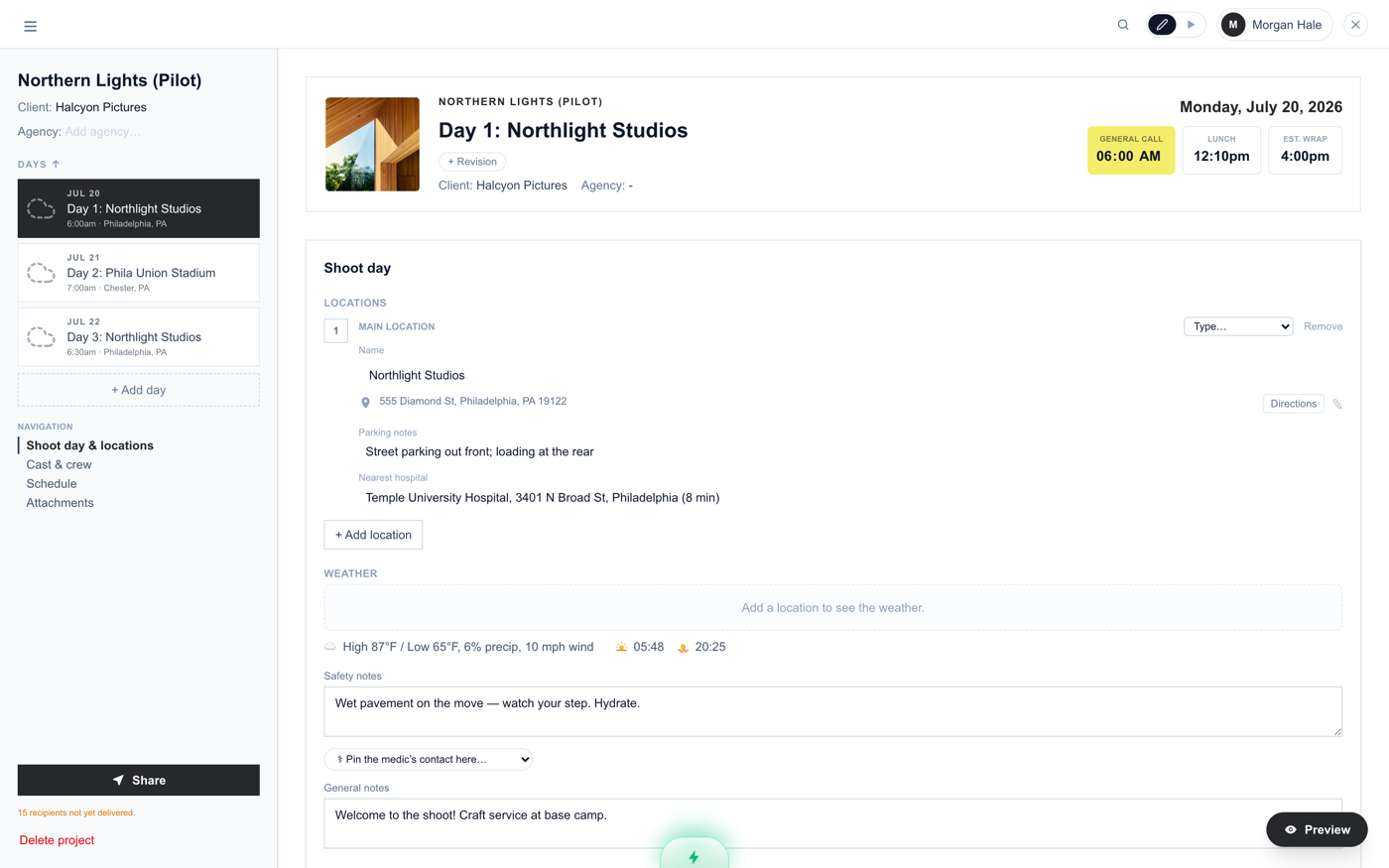
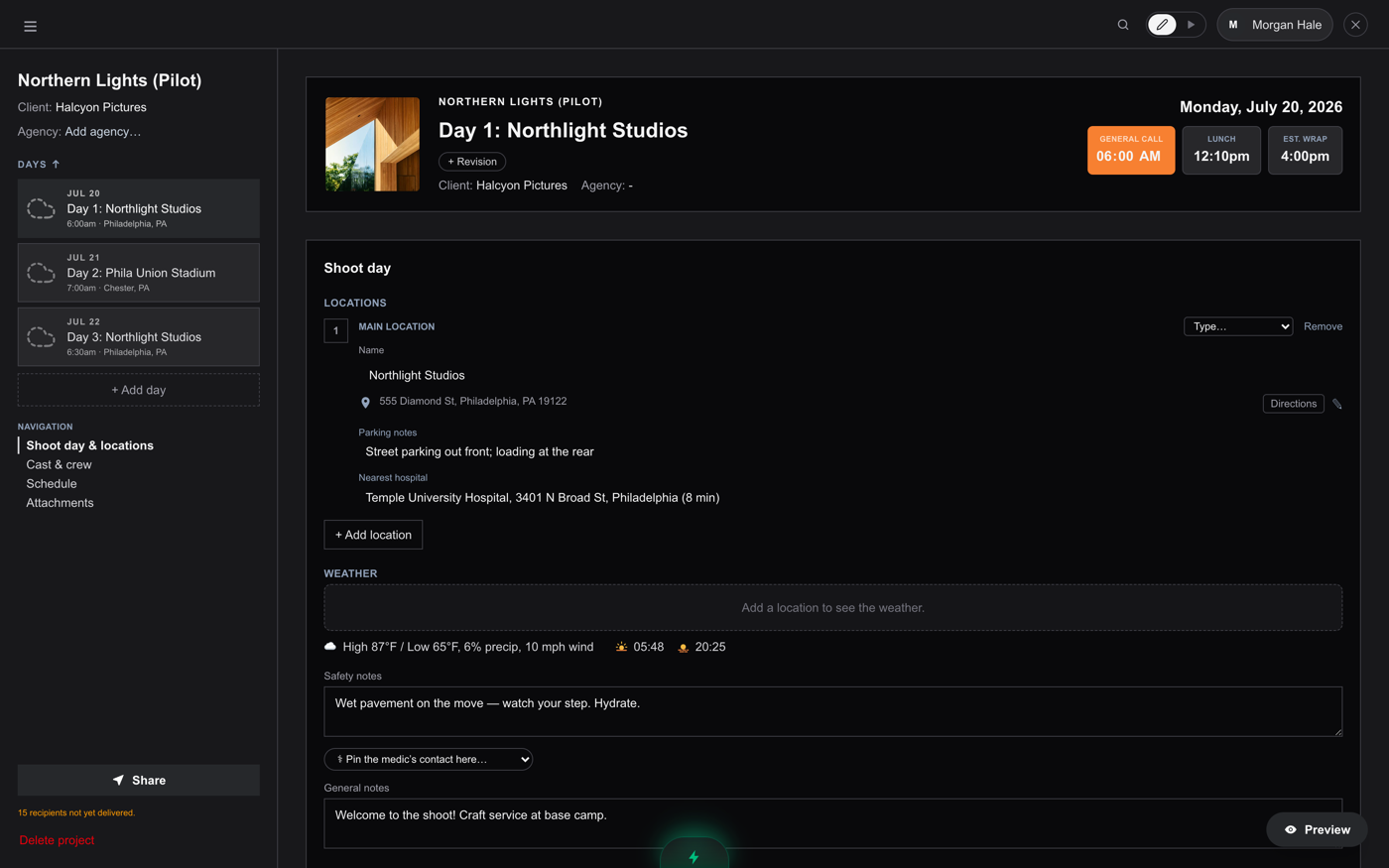
The builder is one project. Day tabs run down the sidebar (hover one for duplicate and delete), and each day has four sections: Shoot Day (locations, weather, safety), Cast & Crew, Schedule, and Attachments.
The summary bar
The wide bar at the top of each day holds the day title, the shoot date (click the big date to change it), General Call and Wrap times, the revision stamp, and the project logo. Click the logo square to open the image editor: crop, rotate, brightness, fit or fill.
Revisions
The revision chip follows the industry color sequence (White, Blue, Pink, Yellow, Green, Goldenrod, and onward). Bump it when you re-issue a changed sheet; the stamp prints on the live link and the PDF so nobody wonders which version they are holding.
Undo, redo, autosave
Cmd+Z (Ctrl+Z on Windows) undoes nearly any builder change; add Shift to redo. Text fields keep their native undo while you are typing in them. Everything autosaves; the circled X in the header shows save status.
The lightning bolt
The glowing lightning tab at the bottom opens the AI assistant. It does two things: makes changes when you ask in plain English (Shift the whole schedule up 1 hour, Add a 30-minute company move before the last scene) and answers questions about how AllSheets works. Changes always show you a preview before anything applies.
Something here out of date or missing? Tell us: support@getallsheets.com