

Getting started
The dashboard
Views, statuses, sorting, and moving shoot dates from the calendar.
The dashboard is every project in your workspace. The overview at the top shows your next shoot and a to-do rollup; below it, the project list has three views, switchable from the pill on the left.
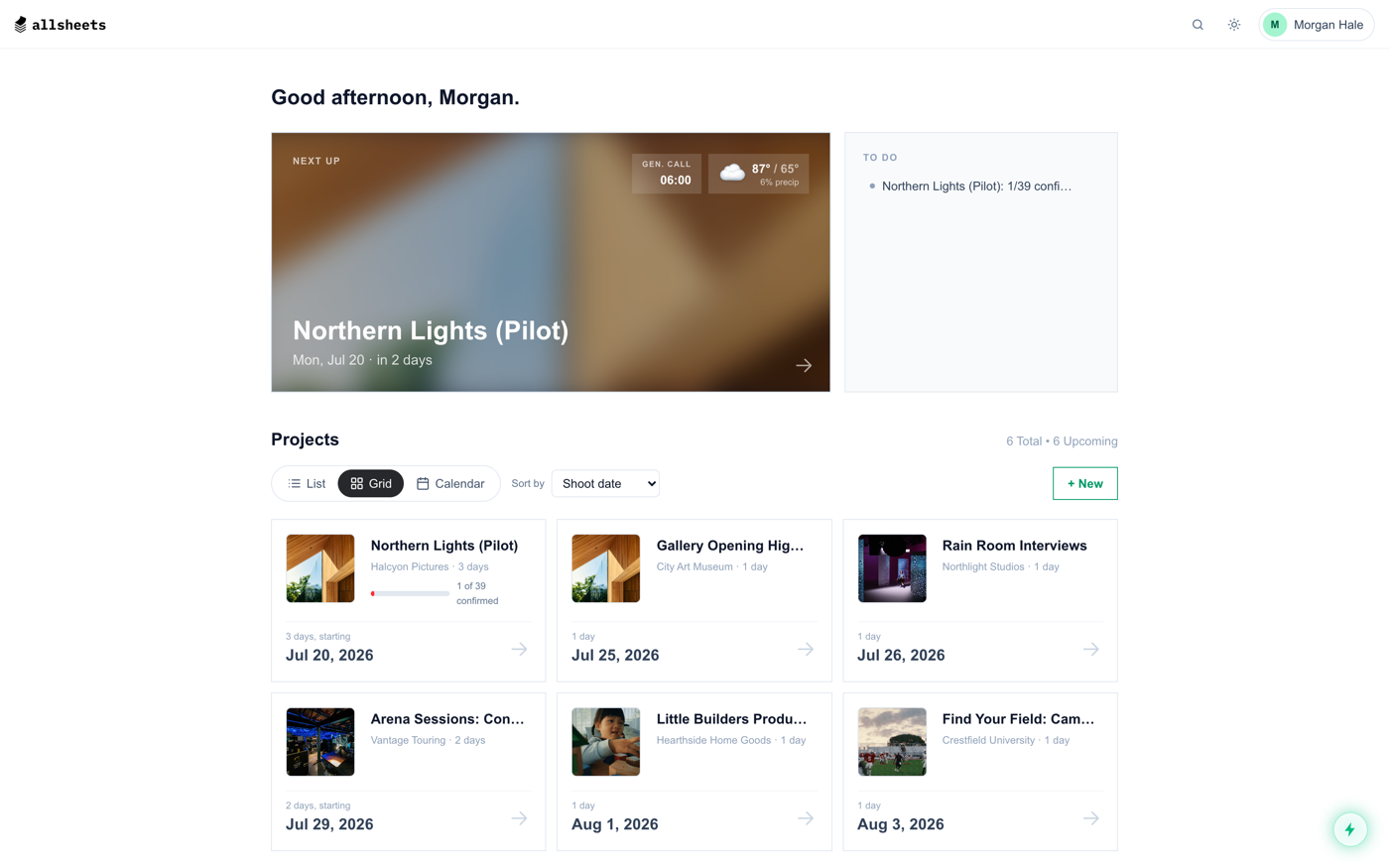
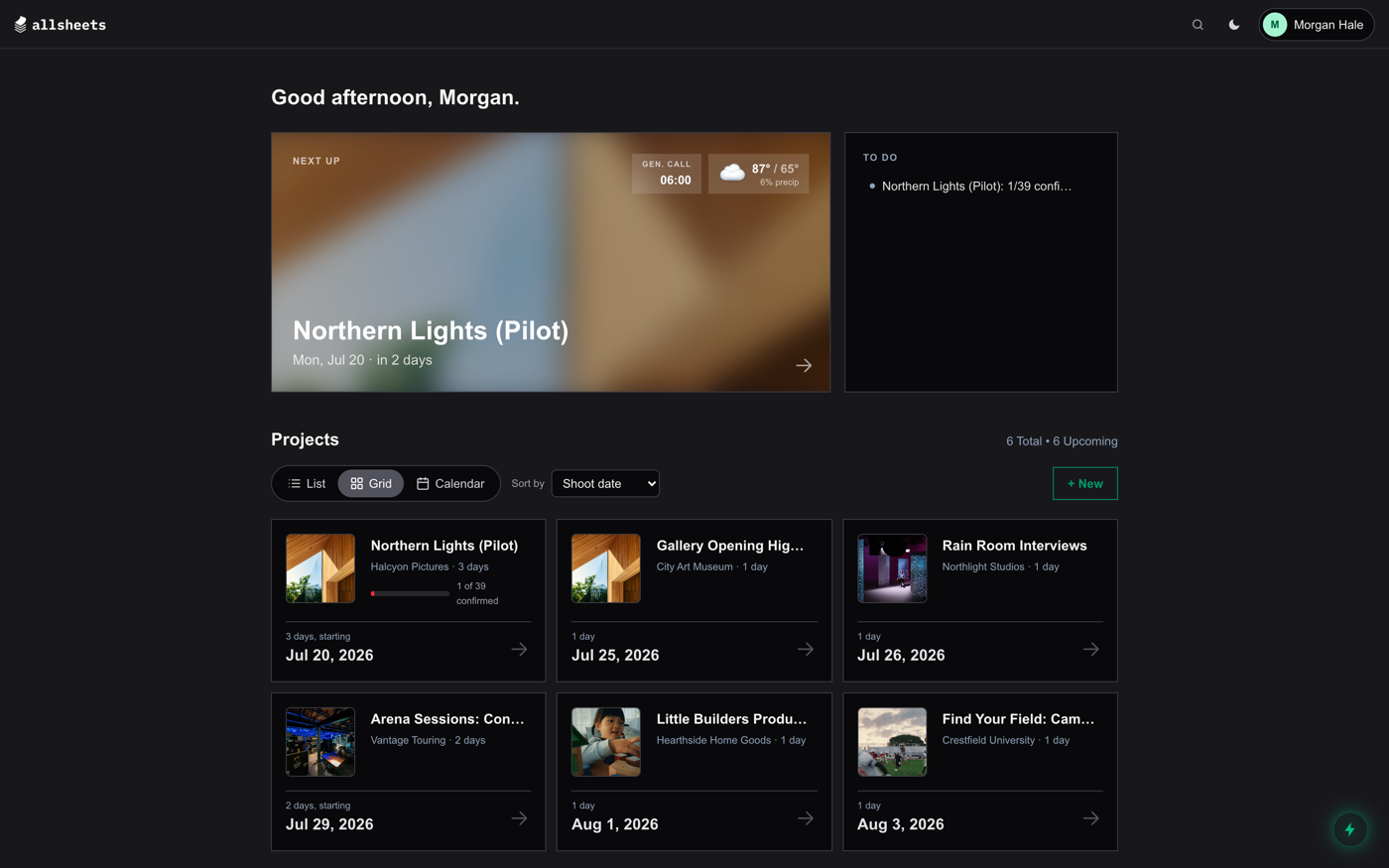
- List: rows grouped into Upcoming and Past, best for scanning many projects.
- Grid: cards with cover art. On phones, swipe a card left to archive it, right to duplicate it.
- Calendar: each project sits on its shoot dates. Drag a shoot tile to another date to reschedule that day; stale weather clears immediately and a fresh forecast loads the next time you open the project. The Google Calendar pill overlays your own Google Calendar events so you can see conflicts while you drag.
Status at a glance
Every project shows either an Unsent chip or a confirmation progress bar: how many people have been sent the sheet and how many have confirmed. The same numbers drive the to-do list up top.
Sorting and search
Sort by shoot date, date created, date modified, or name. The magnifier in the top bar searches everything at once: projects, people in your contact book, attached documents (including video titles), and app pages like specific Settings sections.
Something here out of date or missing? Tell us: support@getallsheets.com