

The builder
Cast, crew & clients
Adding people, call times, visibility, and the flags that matter.
People live in three groups: Crew, Talent, and Clients. Start typing a name and your saved contacts autocomplete, including people who have held that role on past sheets. Position shorthand works everywhere: typing DP finds your Director of Photography, AD your assistant directors, HMU your hair and makeup.
New people arrive at the day's General Call automatically (clients arrive without a time). Edit any person's call time by clicking it to type or dragging it to scrub, the same as schedule times.
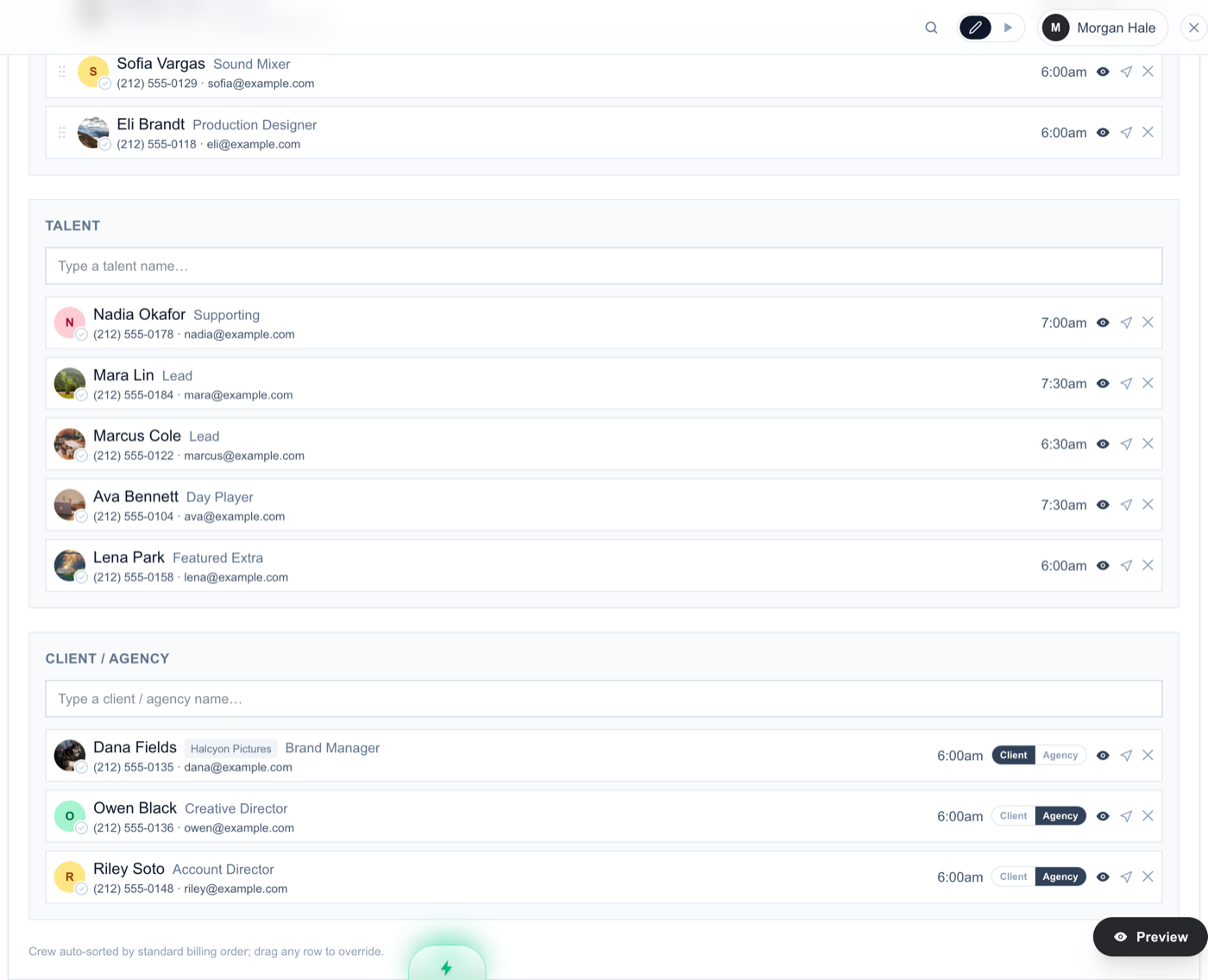
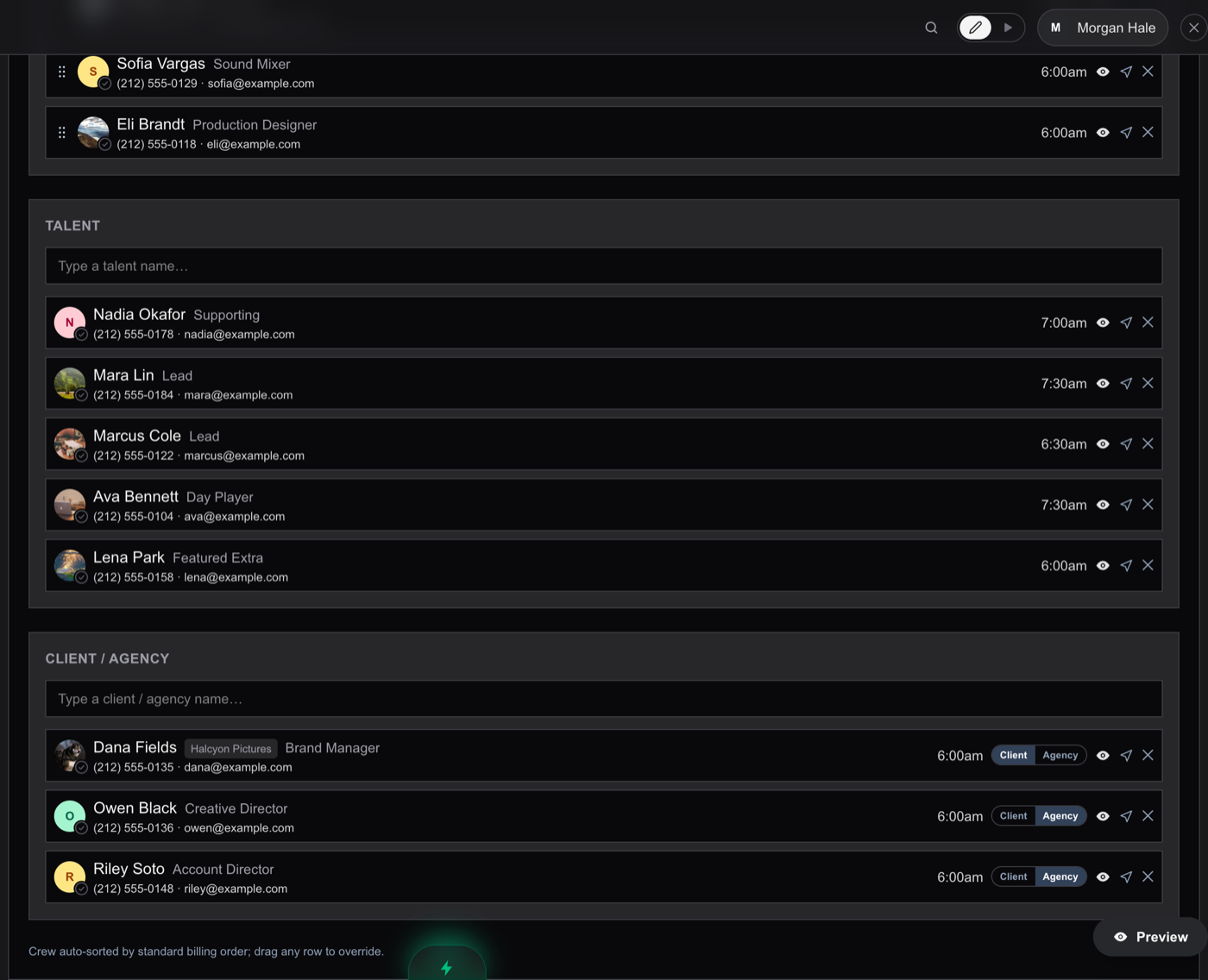
The row controls
- Eyeball: hides that person's phone and email from recipients. Hidden contact lines show struck through in the builder.
- Paper plane (shown once the person has an email): sends (or re-sends) just that person's link. It throbs amber when they confirmed an older call time than the one now on the sheet.
- Confirmation circle: fills green when they confirm. A red ring means their last delivery failed.
- Click anywhere else on the row to open the full editor: photo, phone, email, and the flags below. (Dietary needs come from the person themselves when they confirm; the builder shows what they submitted.)
Flags worth knowing
- Pin to top sheet: puts the person in the Key Contacts block at the top of the sheet (director, EP, key client). They also stay in their normal section.
- Medic: the flagged medic prints in the Safety block with a call button on the live link. Assigning a role containing the word medic sets it automatically, and the Safety section has a pin control too.
- Minor: enables union minor-hours compliance checks when union rules are on.
- Client vs Agency: client-category people carry a toggle that controls which org name shows beside them and which client-side attachments they can see.
- Extra access (crew only): Producer access opens the full builder from their link; Department Head lets them post attachments for their department.
Talent extras
Talent rows support character numbers, work status codes (SW, W, WF, H), and a time breakdown (pickup, hair and makeup, on set, wrap). Enable these in Preferences > Builder · People; the live link and PDF render whatever data exists as a proper cast table with a status legend.
Something here out of date or missing? Tell us: support@getallsheets.com